Your baby's whole day, in one place.
Small Hours tracks feeds, sleep, diapers, pumping and growth. Each log takes a few seconds.

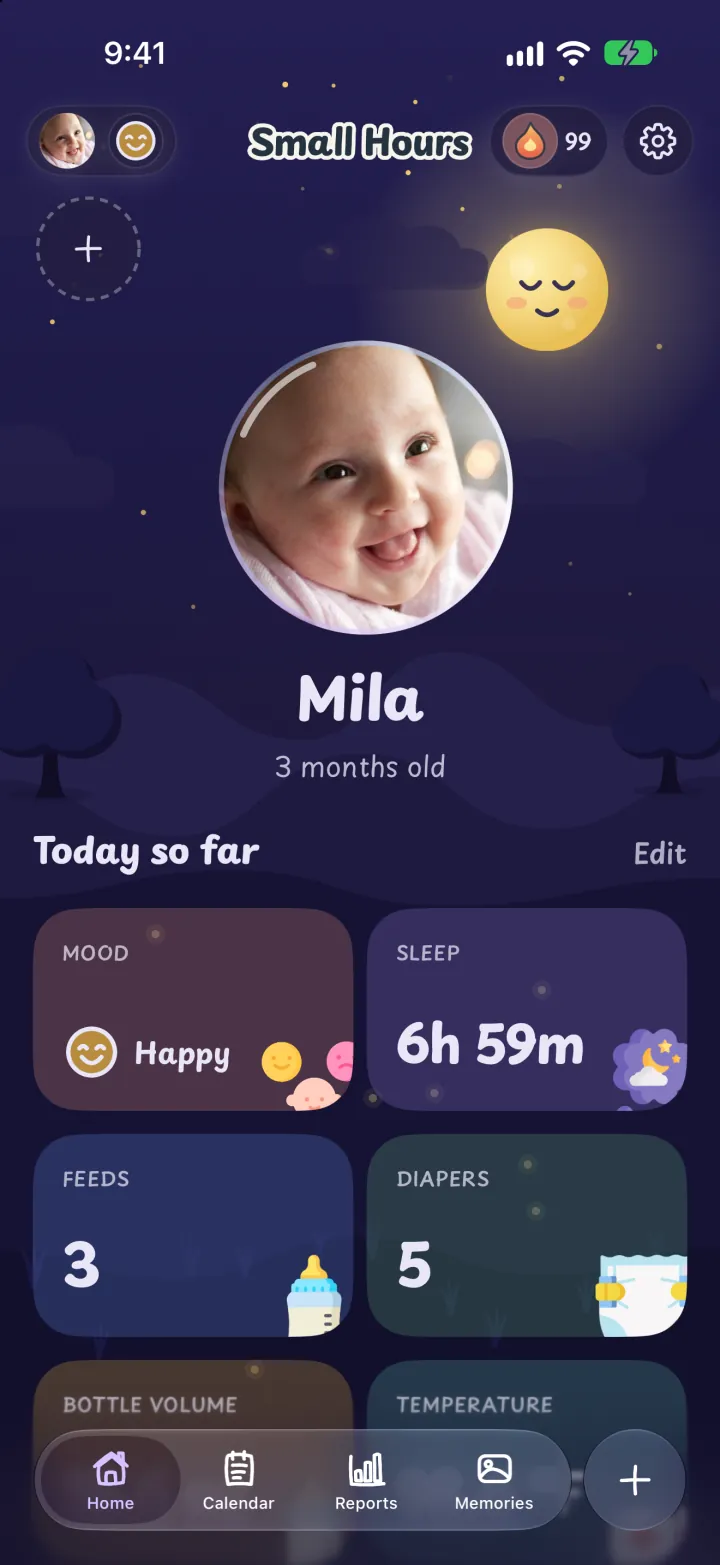
Log with a tap or a drag.
Every kind of care has its own screen. These are recordings from the app.
Bottle
Drag to fill the bottle.
Slide the milk up to the amount she drank, in fl oz or ml. Your last bottle shows underneath.
Pumping
Drag to log what you pumped.
Fill the bottle to the total, or enter the left and right sides. Your last session shows underneath.
Diapers
Tap for pee, tap for poo.
Each tap sets how much. Add the color and the texture when you need them.
Sleep
A sleep timer that keeps running.
Start it when your baby falls asleep. It keeps counting after you close the app.
Weight
Type her weight in lb and oz.
Enter pounds and ounces, or kilograms. Small Hours shows her last weight and the change since then.
Mood
Tap how she feels.
Choose happy, calm, fussy or crying. Today's mood shows on Home.
Cries
Log a cry and the reason.
Choose Crying, then tap why if you know, like hunger or gas. Reports show when she cries and why.
Teeth
Tap the tooth that came in.
All twenty baby teeth on one chart. Each tooth keeps the day it arrived.
Temperature
Slide to the reading.
Record a temperature in °F or °C, and how it was taken.
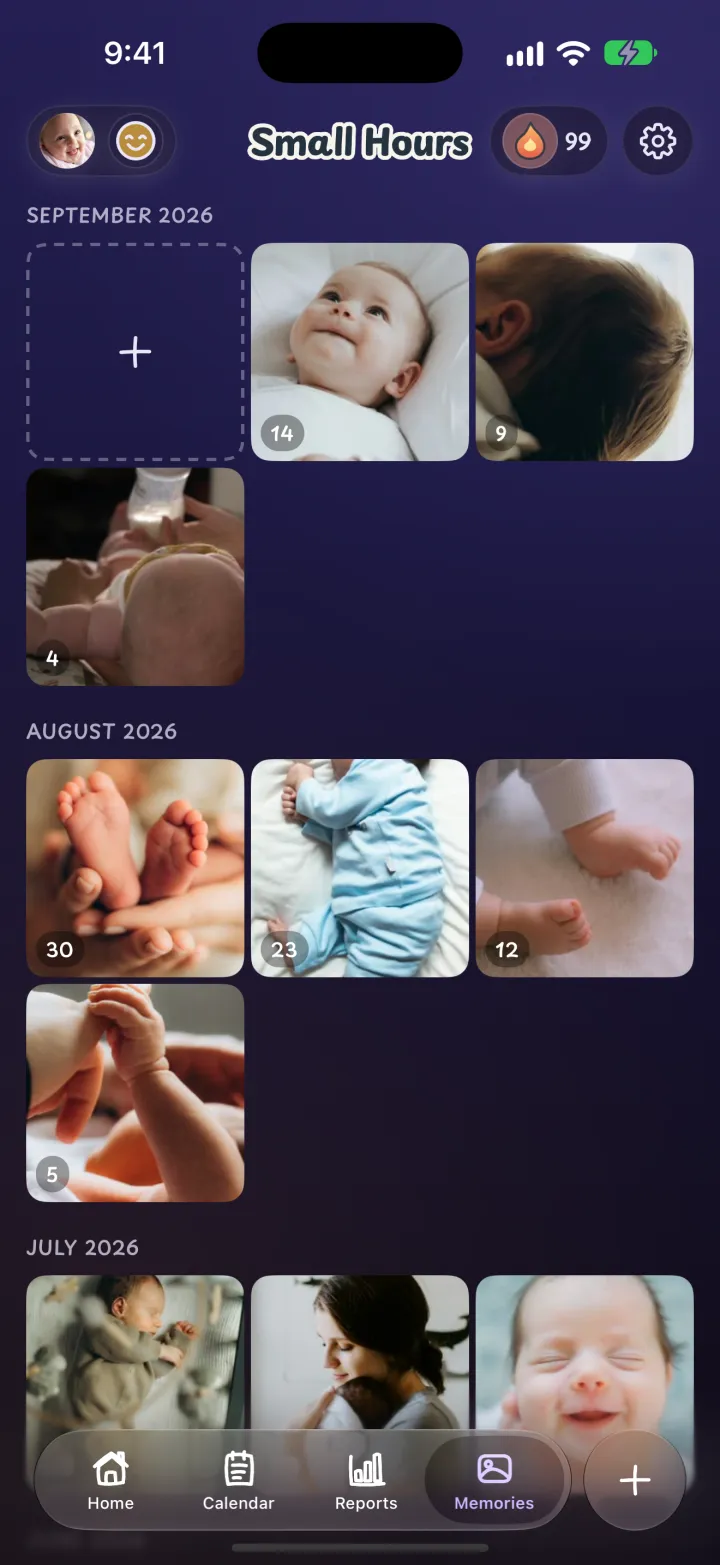
Memories · Stories
Her photos play as stories.
Each memory opens full screen with its caption and a progress bar at the top. Tap to move to the next one.
SharingPremium
Share care with your partner.
Show the code or send it in a message. Once they join, you both log to the same baby from your own phones.
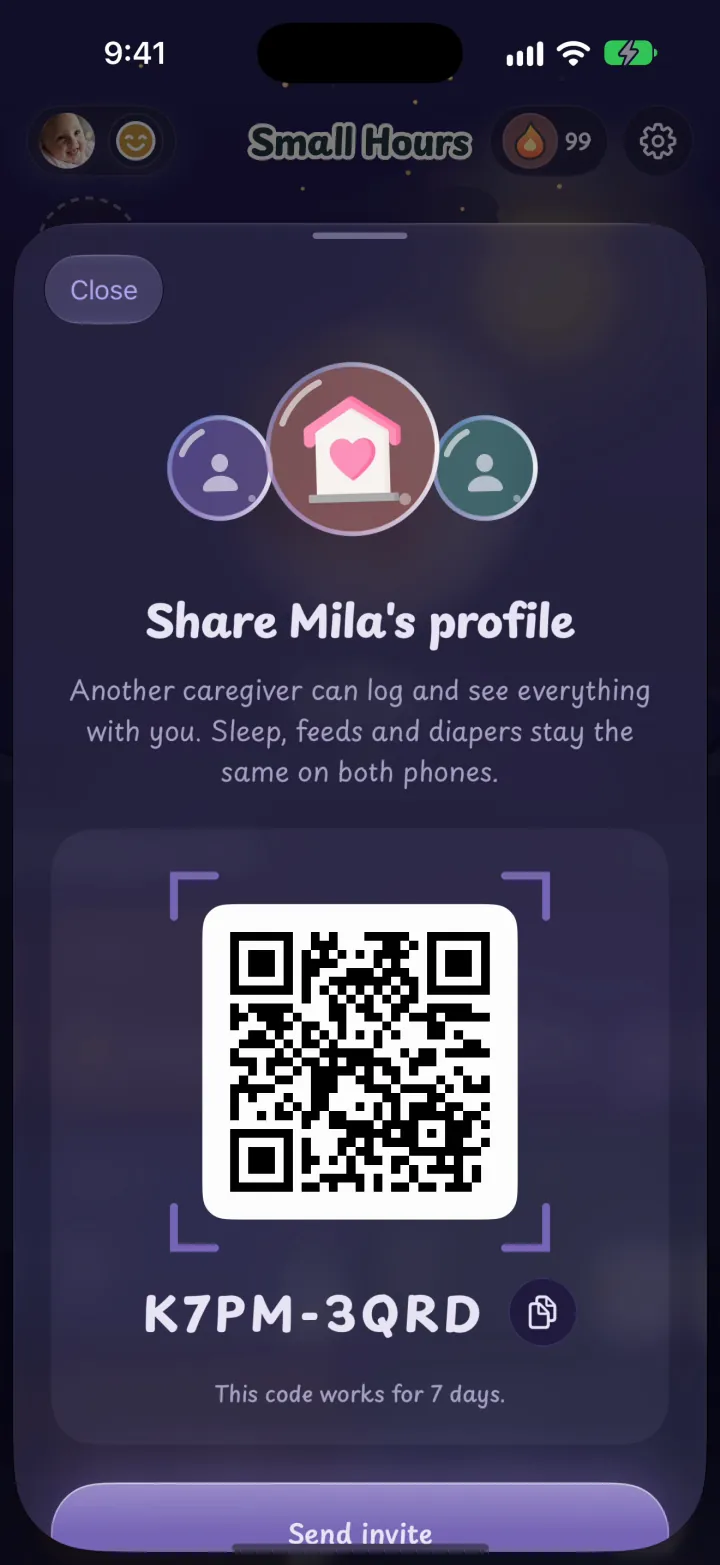
The code and QR in Small Hours
The invite in Messages
Alex's phone after joining
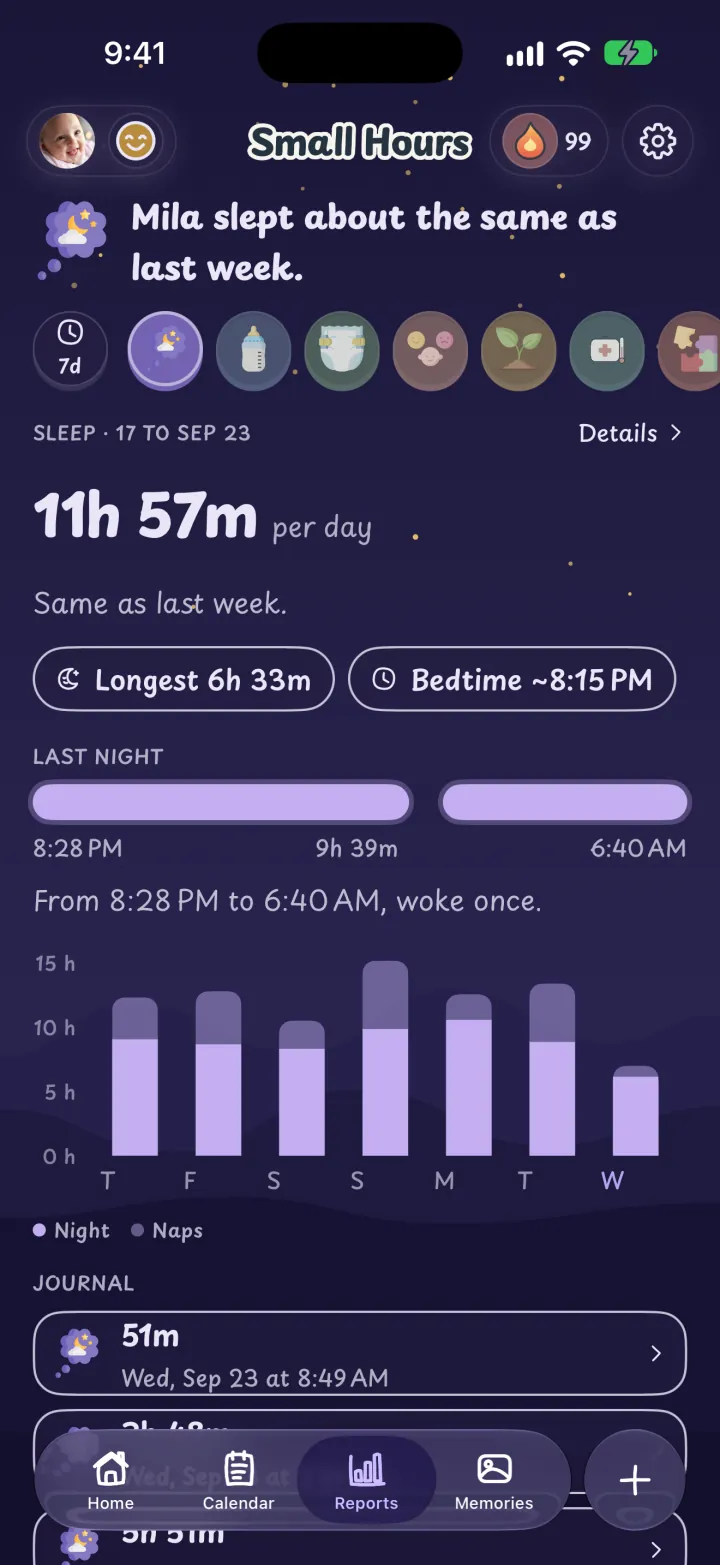
See how her week went.
Sleep and feeds for the last seven days, on clear charts. Premium keeps your full history.
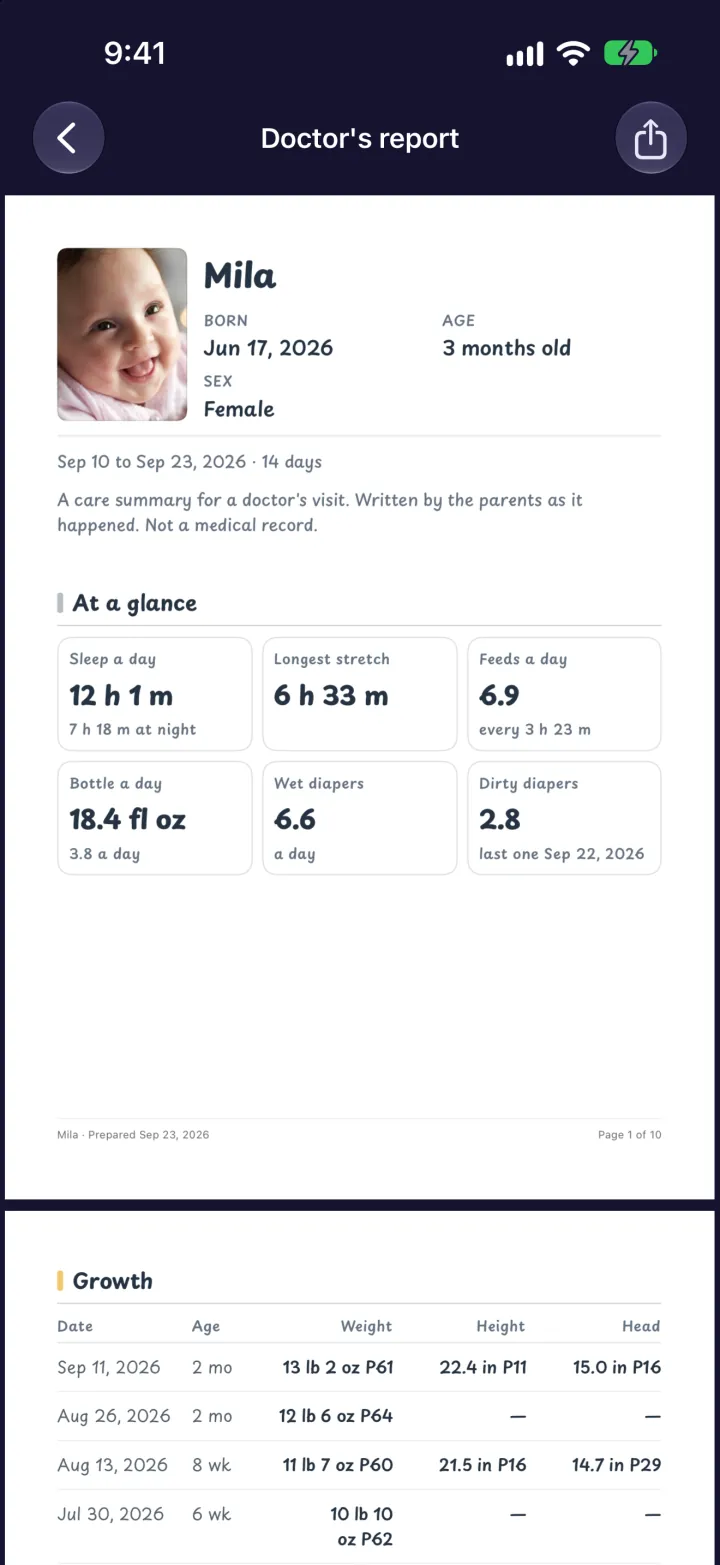
A report your doctor can read.
Choose the dates and get a clear PDF. Share or print it with Premium.
Everything in one app.
Each kind of care has its own short form.
 Bottles
 Nursing
 Solids
 Pumping
 Sleep
Sleep Diapers
 Weight
 Height
 Head size
 Milestones
 Moods
Moods Play
Play Memories
 Widgets
 Backup
Questions
What is free?
Logging every kind of care, seven days of reports and up to 15 memories.
What does Premium add?
Sync and sharing with family, backup, logging past days, full report history, sharing or printing the doctor's report, and unlimited memories. See Pricing.
Where is my data stored?
On your iPhone. If you share a baby, its records also go to our server so your caregivers can see them. We do not sell your data or use it for advertising. The Privacy Policy has the details.
Does Small Hours give medical advice?
No. It records what you enter. Ask your doctor about anything that concerns you.
Which devices are supported?
iPhone with iOS 26 or later.
How do I get help?
Email support@small-hours.app, or read the support page.

Start tracking with Small Hours.